下载相关内容
版本选择2025.9以前的版本亲测可用,往后的版本没有安装,各个版本之间差异不大,不用频繁更新
需要科学上网,没有代理的可以使用steam++
安装
选择合适的安装位置,无脑下一步即可,不过多赘述
破解汉化
将破解汉化包放到burpsuite的工作目录
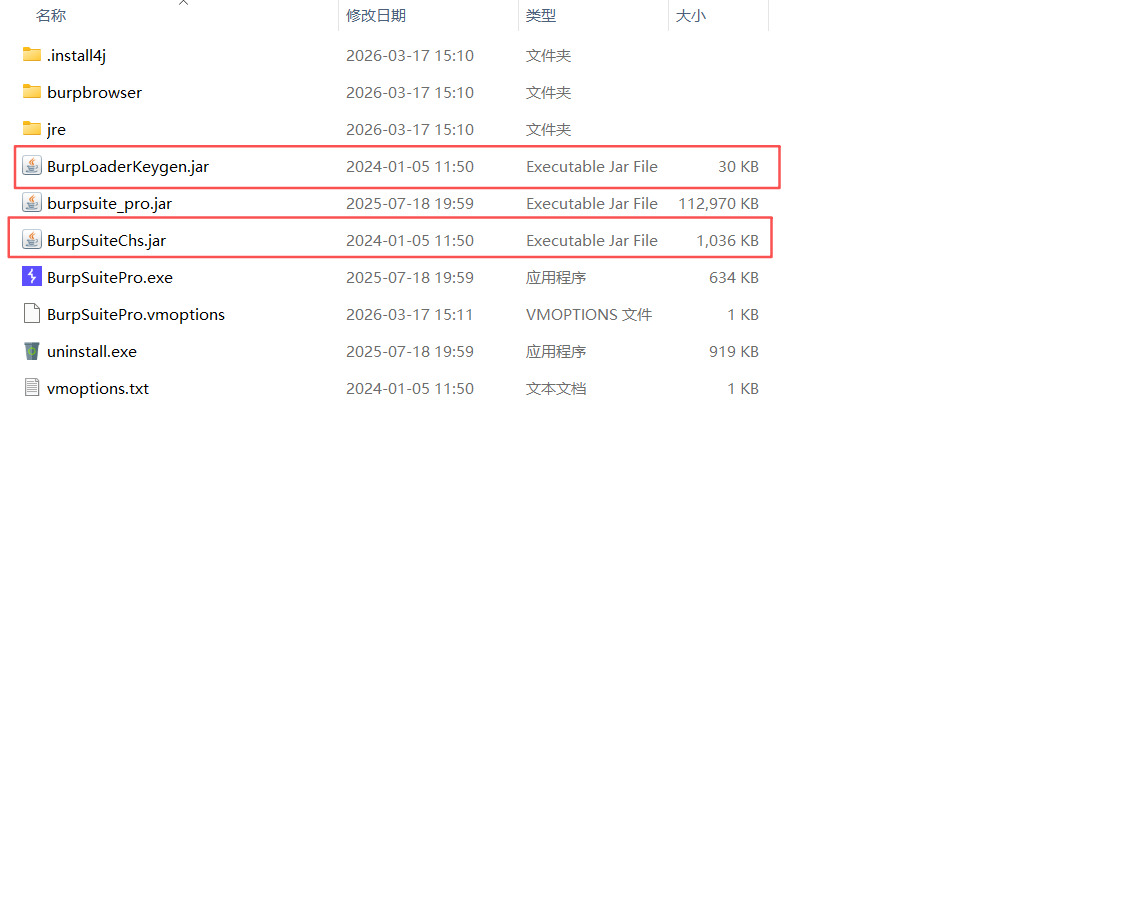
打开BurpSuitePro.vmoptions,将内容替换为
# Enter one VM parameter per line
# For example, to adjust the maximum memory usage to 512 MB, uncomment the following line:
# -Xmx512m
# To include another file, uncomment the following line:
# -include-options [path to other .vmoption file]

-XX:MaxRAMPercentage=50
-include-options user.vmoptions
-javaagent:BurpLoaderKeygen.jar
-javaagent:BurpSuiteChs.jar
--add-opens=java.base/java.lang=ALL-UNNAMED
--add-opens=java.base/jdk.internal.org.objectweb.asm=ALL-UNNAMED
--add-opens=java.base/jdk.internal.org.objectweb.asm.tree=ALL-UNNAMED
--add-opens=java.base/jdk.internal.org.objectweb.asm.Opcodes=ALL-UNNAMED
-noverify
保存退出
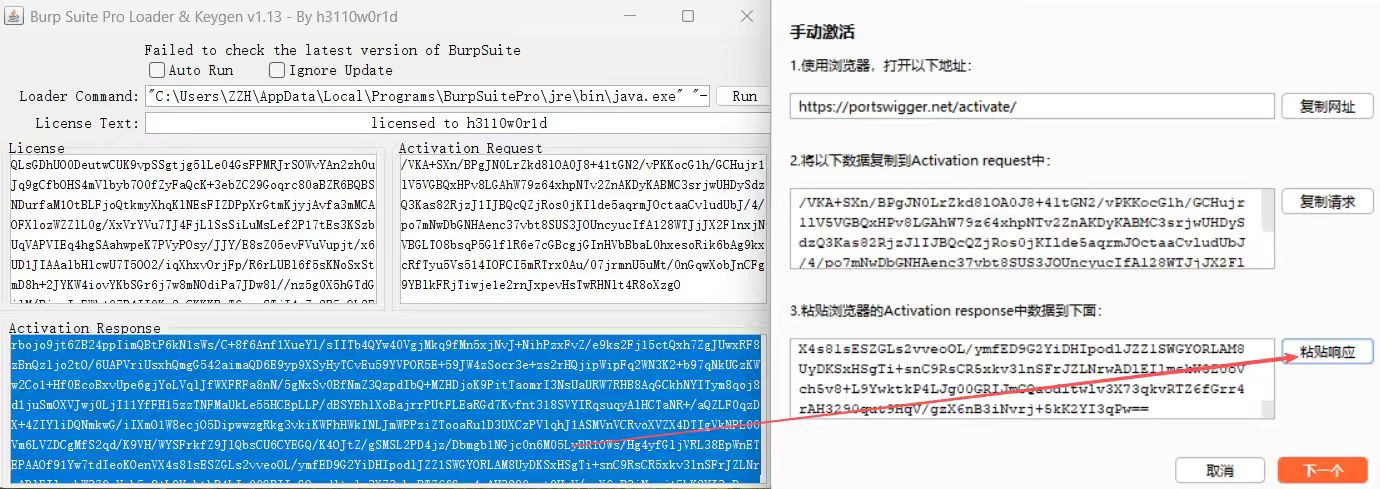
打开BurpSuitePro.exe和BurpLoaderKeygen.jar(打不开jar文件的看这篇Java环境的配置)
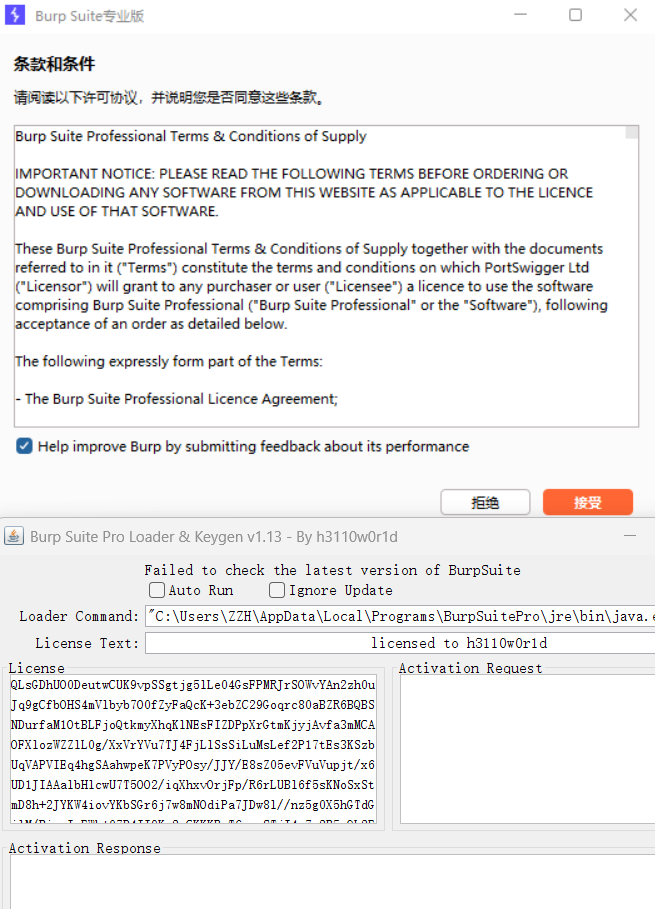
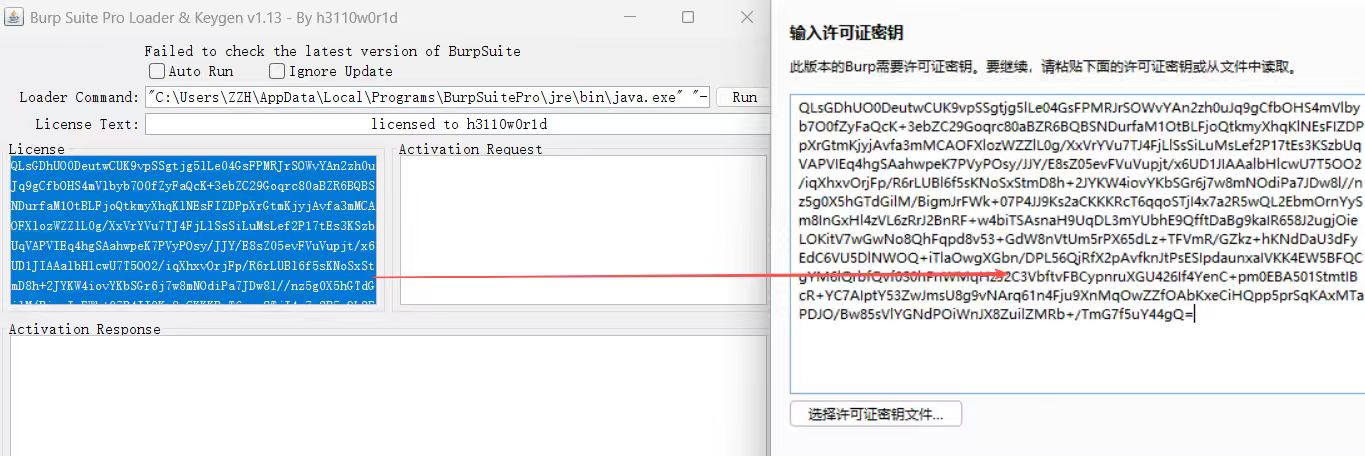
复制过去点击下一步
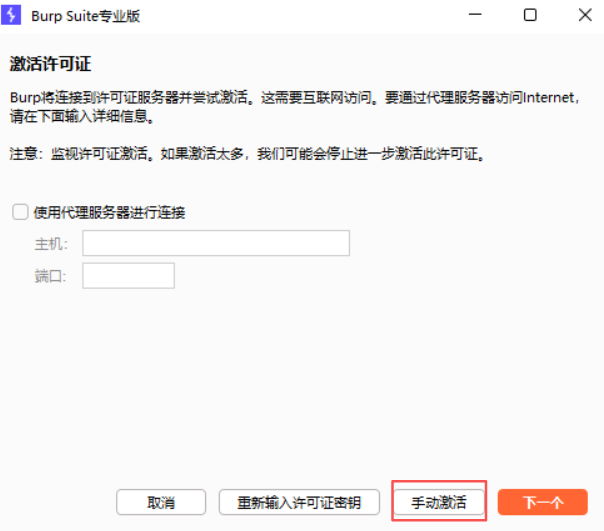
选择手动激活
复制请求
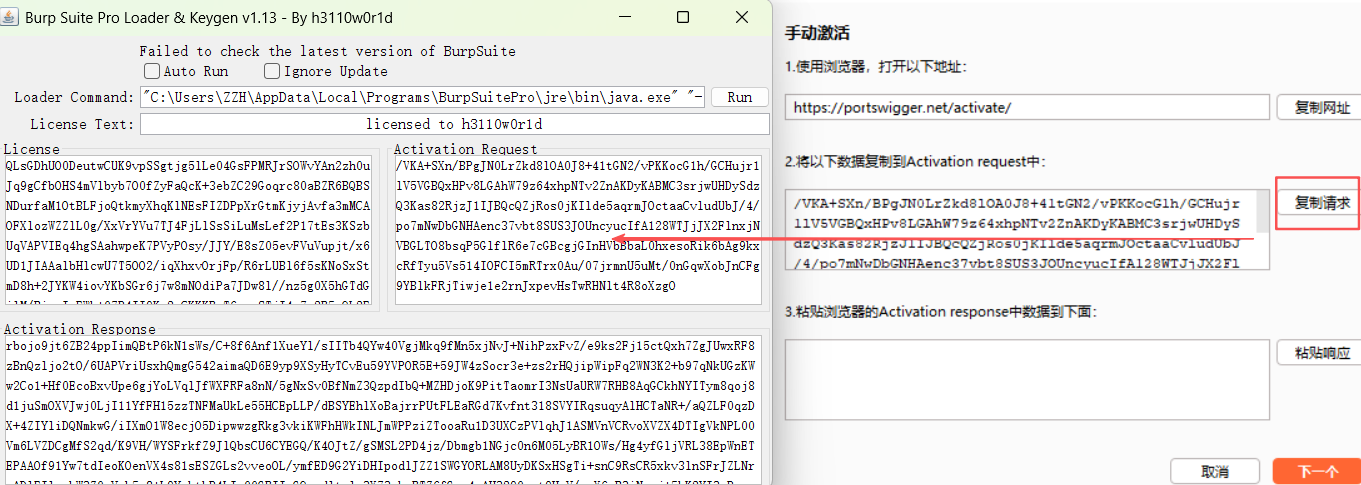
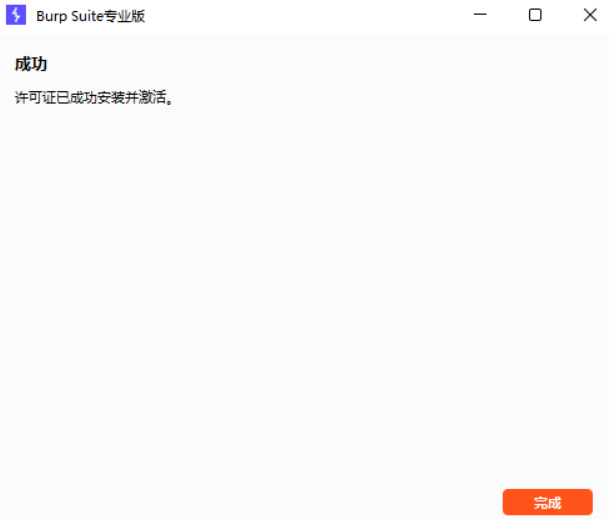
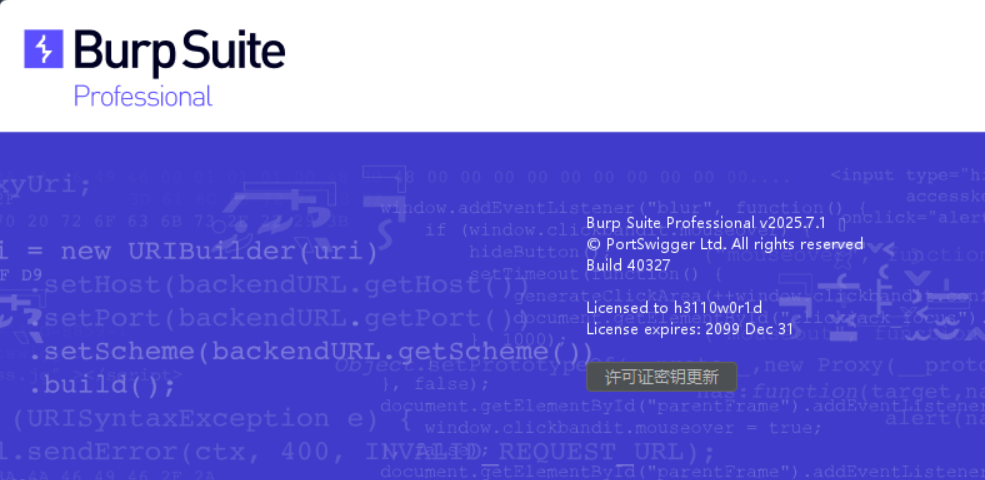
粘贴响应并下一步